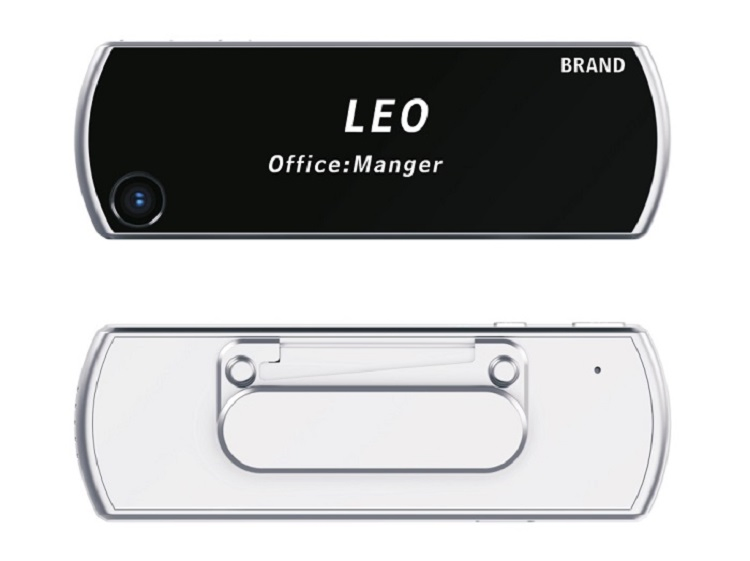
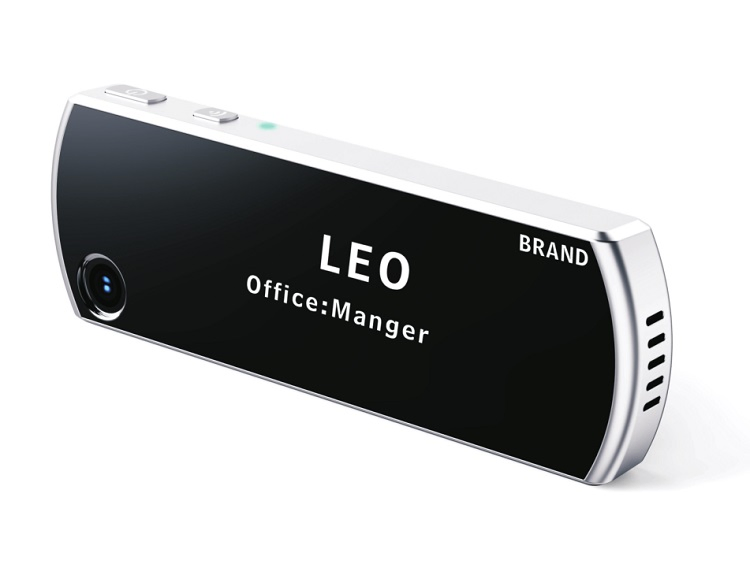
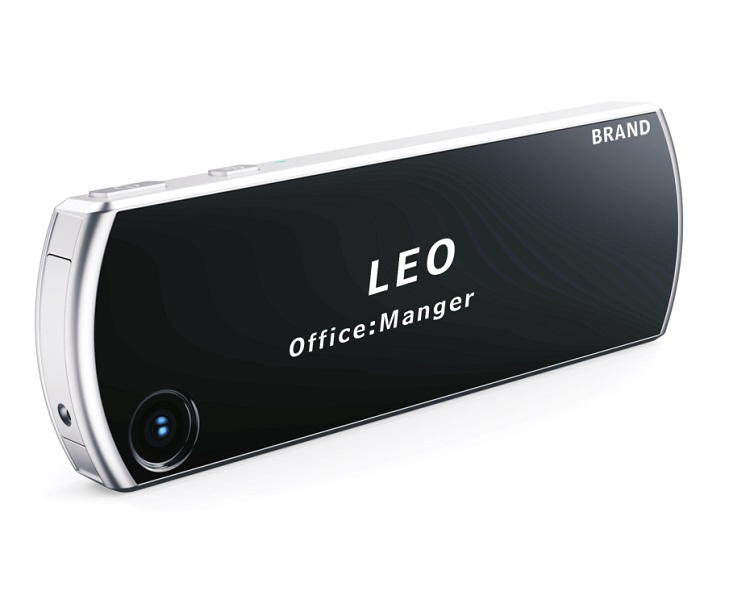
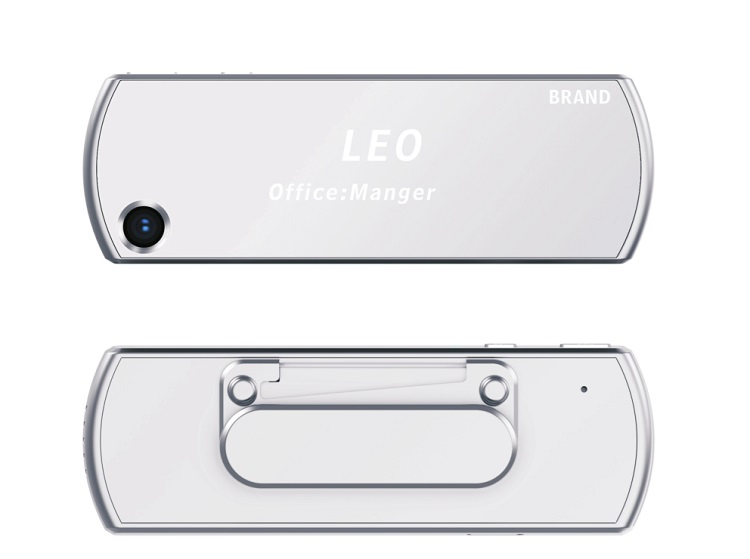
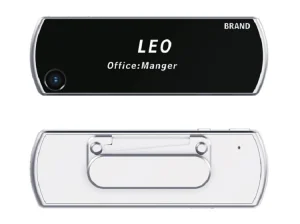
Chest Card Waterproof High Definition HD Badge Camera

Still deciding? Get samples of $ !
Request Sample

Product Description

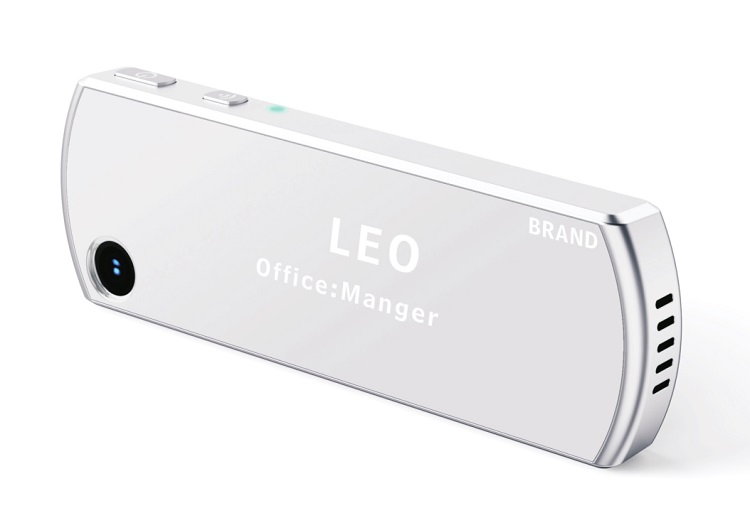
Chest Card Waterproof High Definition HD Badge Camera
💡 Basic Specifications
Model NO.
ZM915
Type
CCTV Camera
Sensor
CMOS
HDMI Format
1080P
Certification
CE, FCC, RoHS
Battery
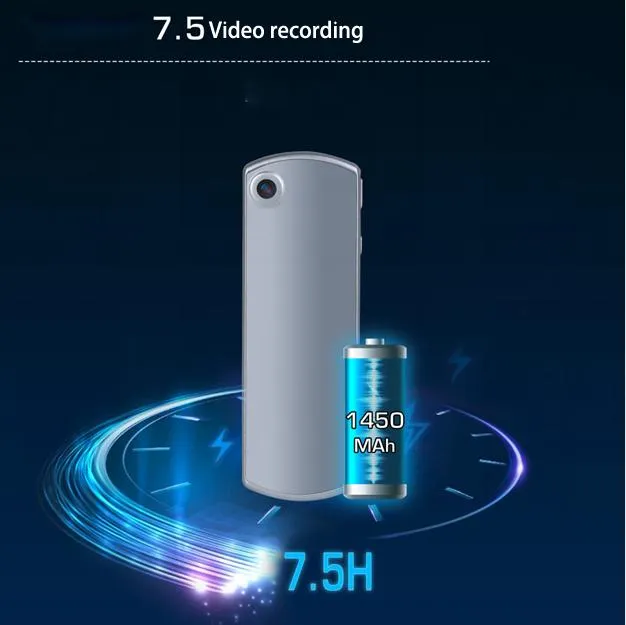
1450 mAh
Feature
Waterproof, HD, Mini Size
Lens
120 Degree Wide Angle
Charging
Type-C USB
📋 Product Description
Basic Configuration
Main ChipsetMstar
Image Sensor2MP sensor
LensF2.0 Aperture, 120 Degree Wide angle
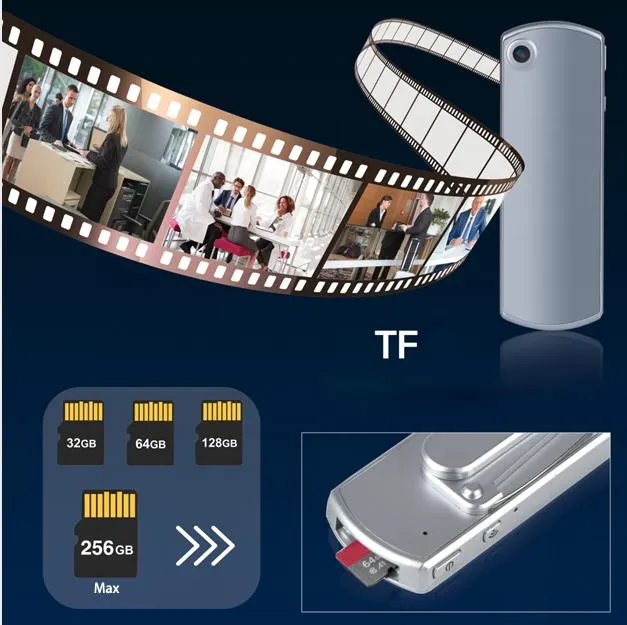
Storage32GB/64GB/128G/256G
Video & Audio
Resolution1920x1080/30p, 1280x720/30p
FormatH264/H265 Compression (MP4)
Audio Input/OutputHigh-quality Mic / Loudspeaker
Battery & Charging
Charging Time≤3 hours
Recording Time1080P: ~7 hours / 720P: ~7.5 hours
Physical Specs
Size90×30×9.5mm
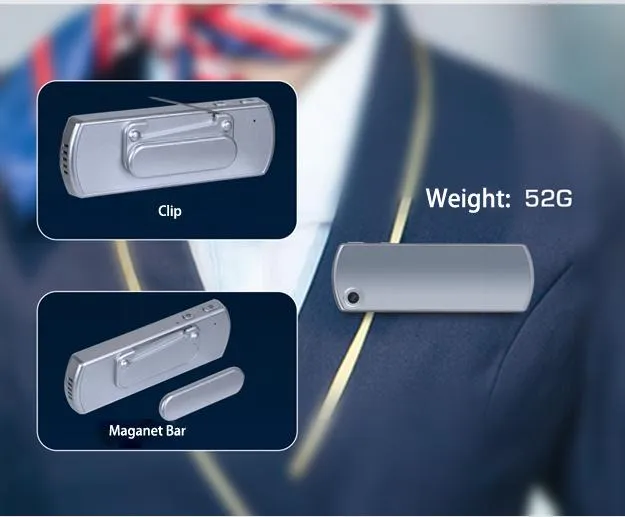
Weight52g (exclude clip) / 57g (include clip)
⚙️ Operation Guide
🔘 On/Off & Recording

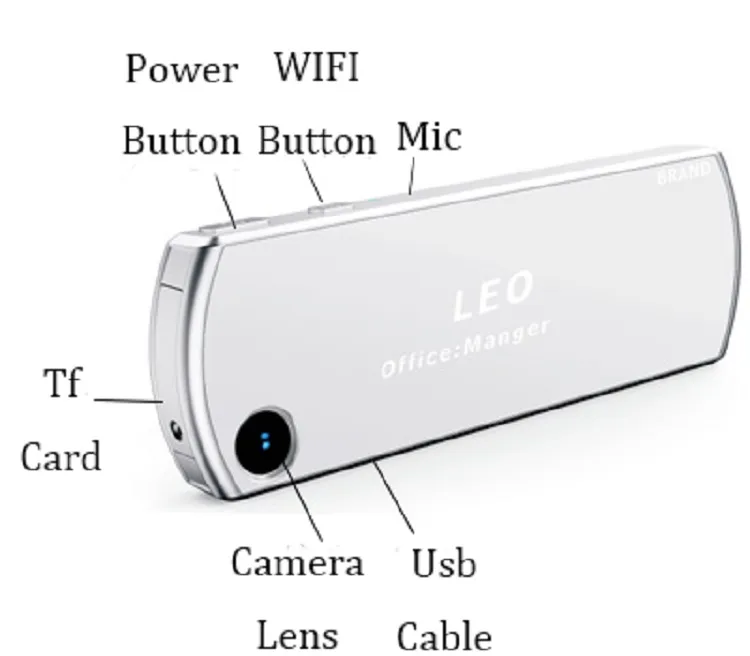
Power: Press and hold for 3 seconds to turn on/off.

Video: Press "Power button" to record (Blue light flashes). Press again to save.

Audio: Press "Wifi button" to record (Yellow light flashes). Press again to save.

One-button Switch: Switch between video and audio recording instantly by pressing the alternate button.

🌐 WiFi & App Function

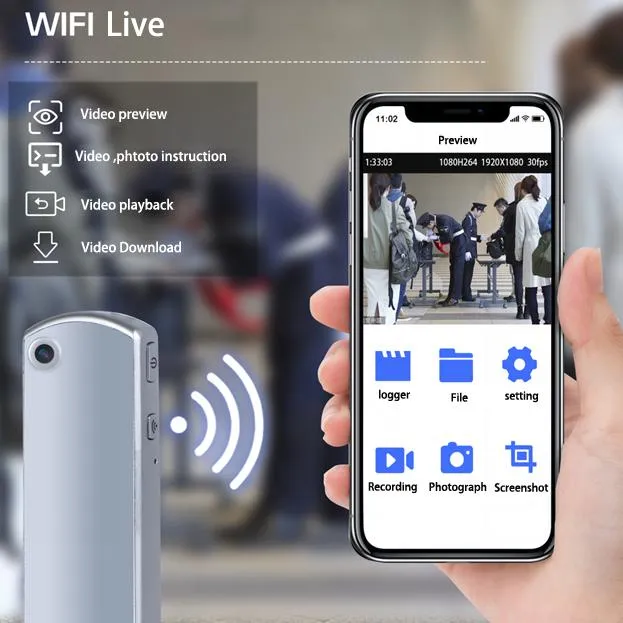
Activation: Long press "WiFi button" for 3 seconds (Green light flashes).

Connection: Use App to connect to hotspot (SSID: XR01-xxxx, PWD: 88888888).

Features: Parameter settings, playback, view files, and deletion via Android/iOS App.

🛠️ Maintenance & Reset

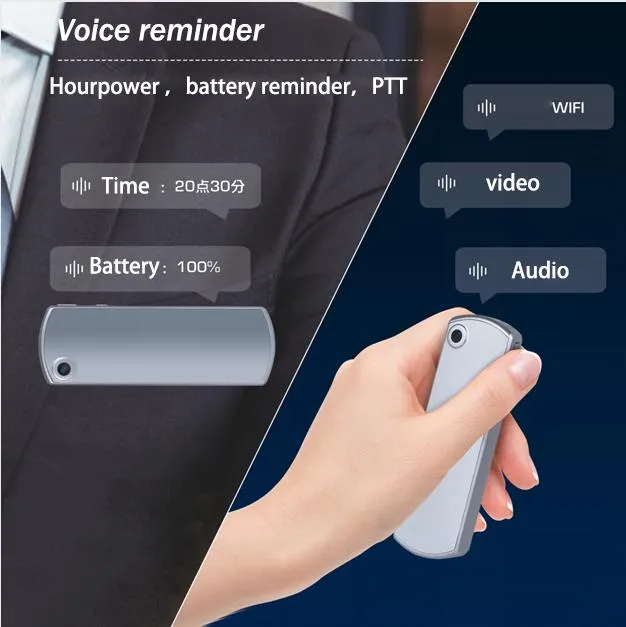
Status Query: Press Power and WiFi buttons simultaneously for time and battery level.

Factory Reset: Hold Power and WiFi buttons for 5 seconds.

Hard Reset: Use a toothpick in the reset hole if the device stops responding.
📸 Product Gallery
❓ Frequently Asked Questions
🌸 How long can this camera record on a full charge?
The camera supports approximately 7 hours of continuous recording at 1080P and about 7.5 hours at 720P.
🌸 How do I view or copy the recorded files?
Connect the device to a computer using the Type-C USB cable and power it on. The computer will recognize it as a mobile disk, allowing you to copy files directly.
🌸 Does it support remote monitoring?
It supports a WiFi hotspot connection. You can use the dedicated Android or iOS App to connect to the camera's hotspot for playback and settings.
🌸 What do the different indicator lights mean?
Blue flashes for video recording, yellow flashes for audio recording, green flashes for WiFi, and red indicates charging.
🌸 Is there an automatic power-saving mode?
Yes, if there is no operation (no recording or WiFi activity) for 5 minutes, the machine will automatically shut down to save power.
🌸 How do I reset the device if it stops responding?
You can gently poke the reset hole with a toothpick or thimble. The device will shut down and can then be restarted normally.

Related Products