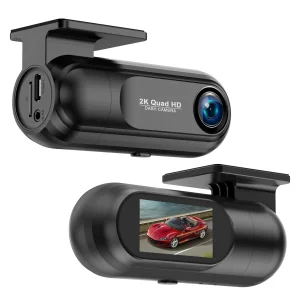
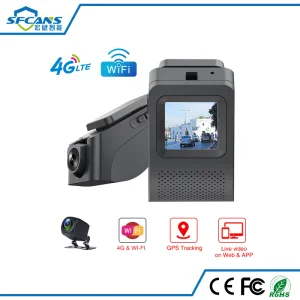
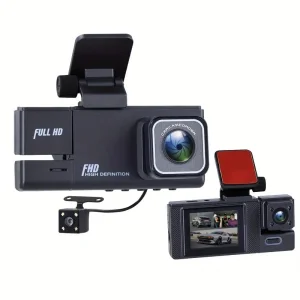
2K Front Rear TF Card 24h Parking Mode WiFi Car Dash Camera

Still deciding? Get samples of $ !
Order Sample

Product Description

Basic Specifications

Model NO.GD17
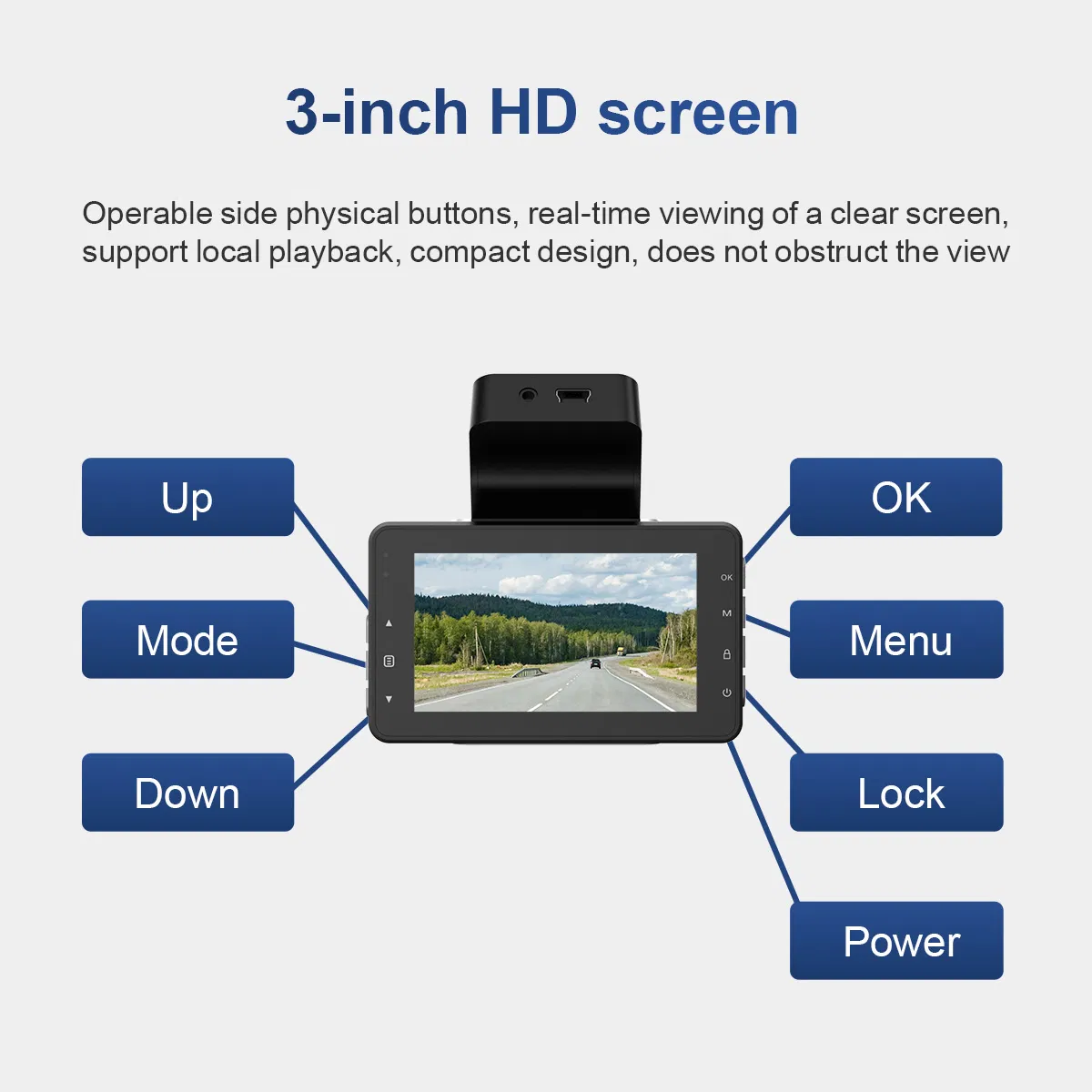
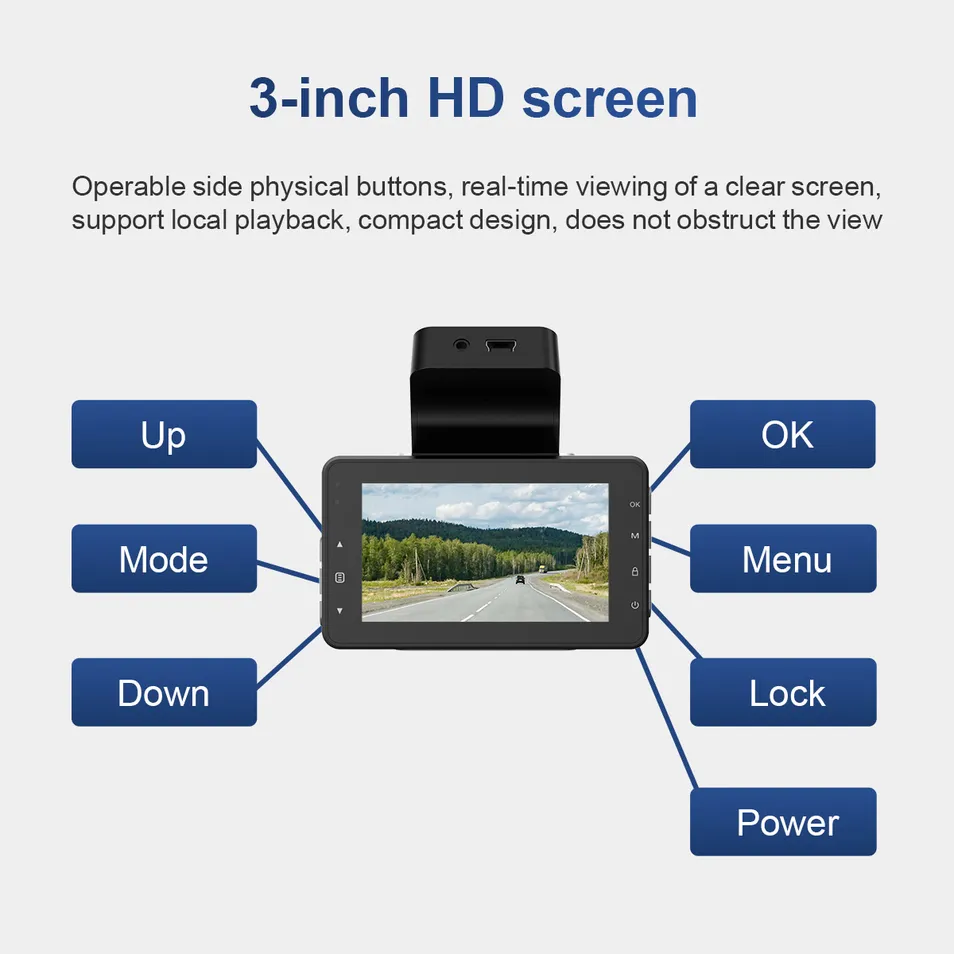
Screen Size3 Inch IPS Screen
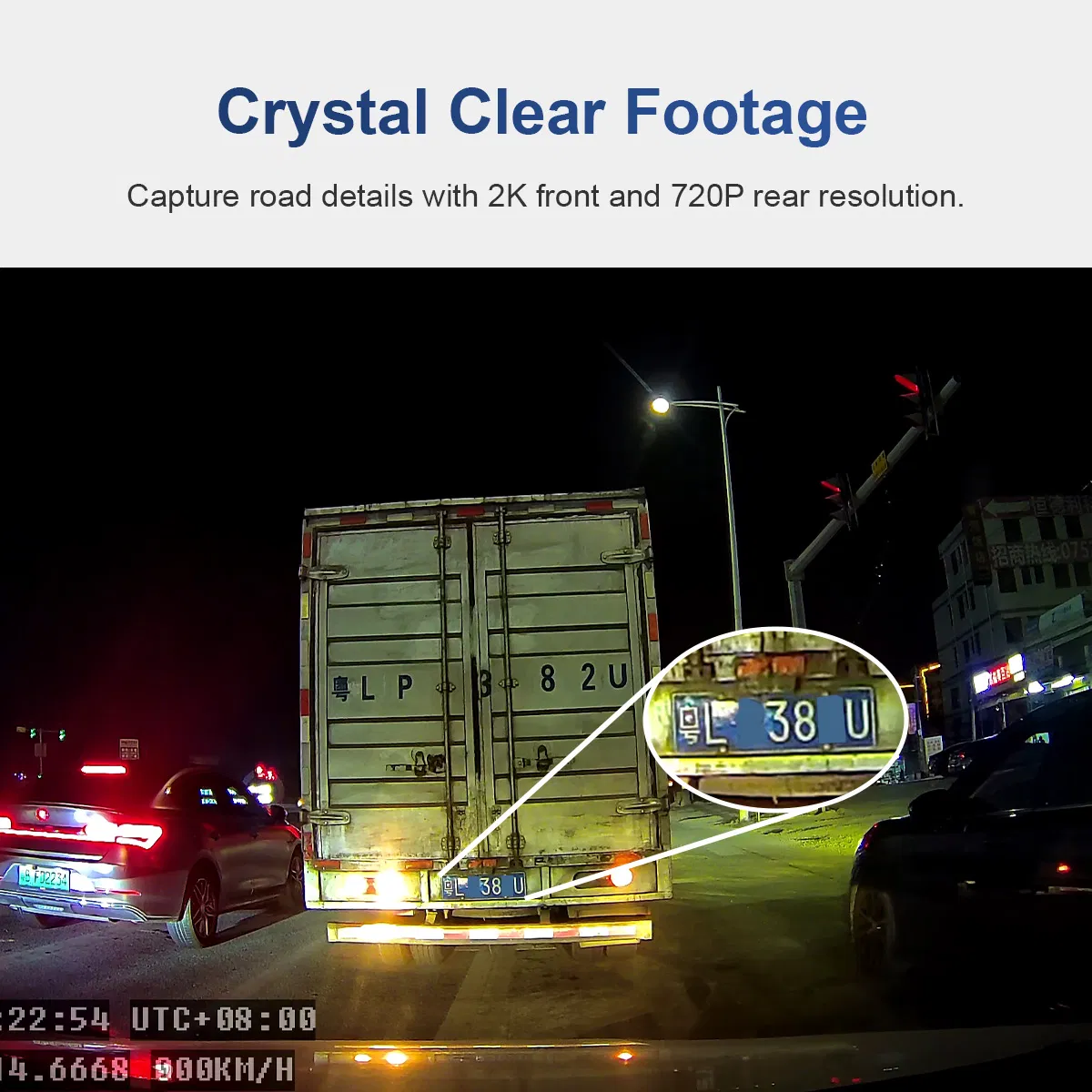
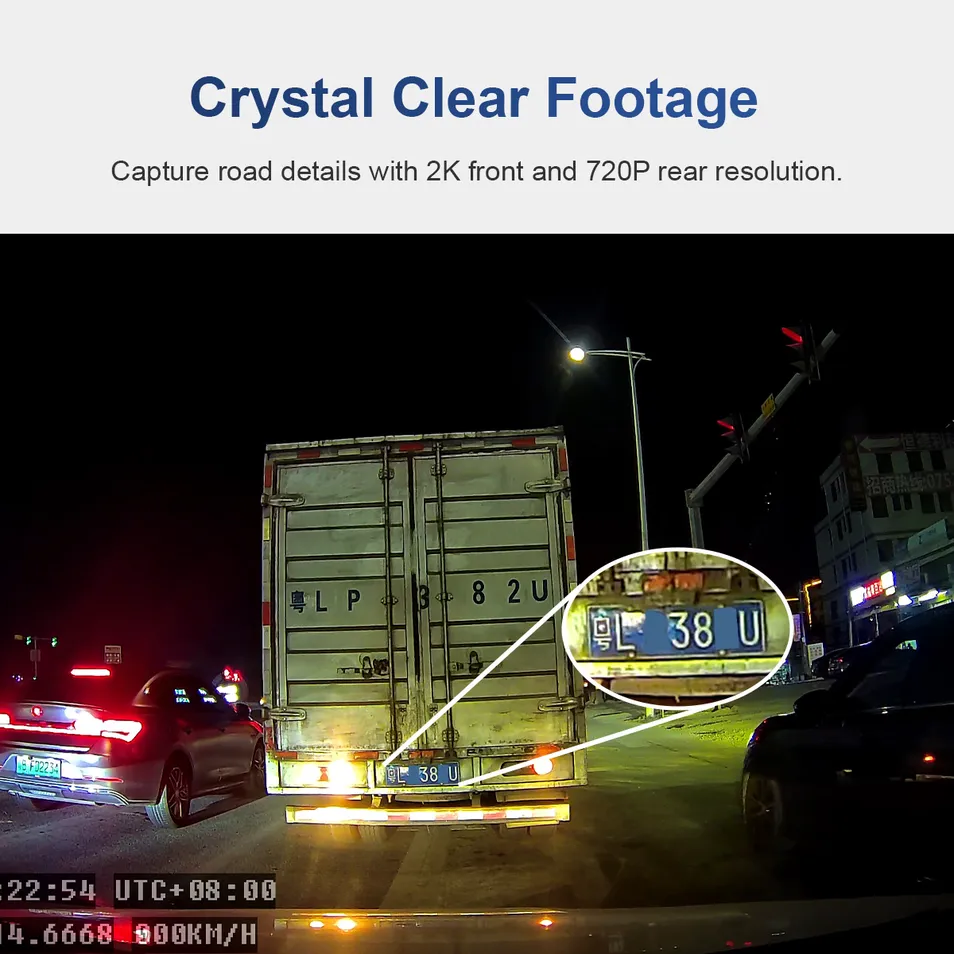
Pixel Resolution2K High Definition
Shooting AngleFront 140° / Rear 130°
PositioningGPS + Beidou Tracking
Memory SupportSD Card up to 512GB
Frequency (Global)4G LTE (B1/B2/B3/B4/B5/B7/B8/B17/B20/B28)
Operating SystemLinux
ConnectivityWiFi 802.11b/G/N 2.4GHz
Working Voltage12V ~ 24V
Temperature Range-20℃ ~ 70℃

Product Innovation

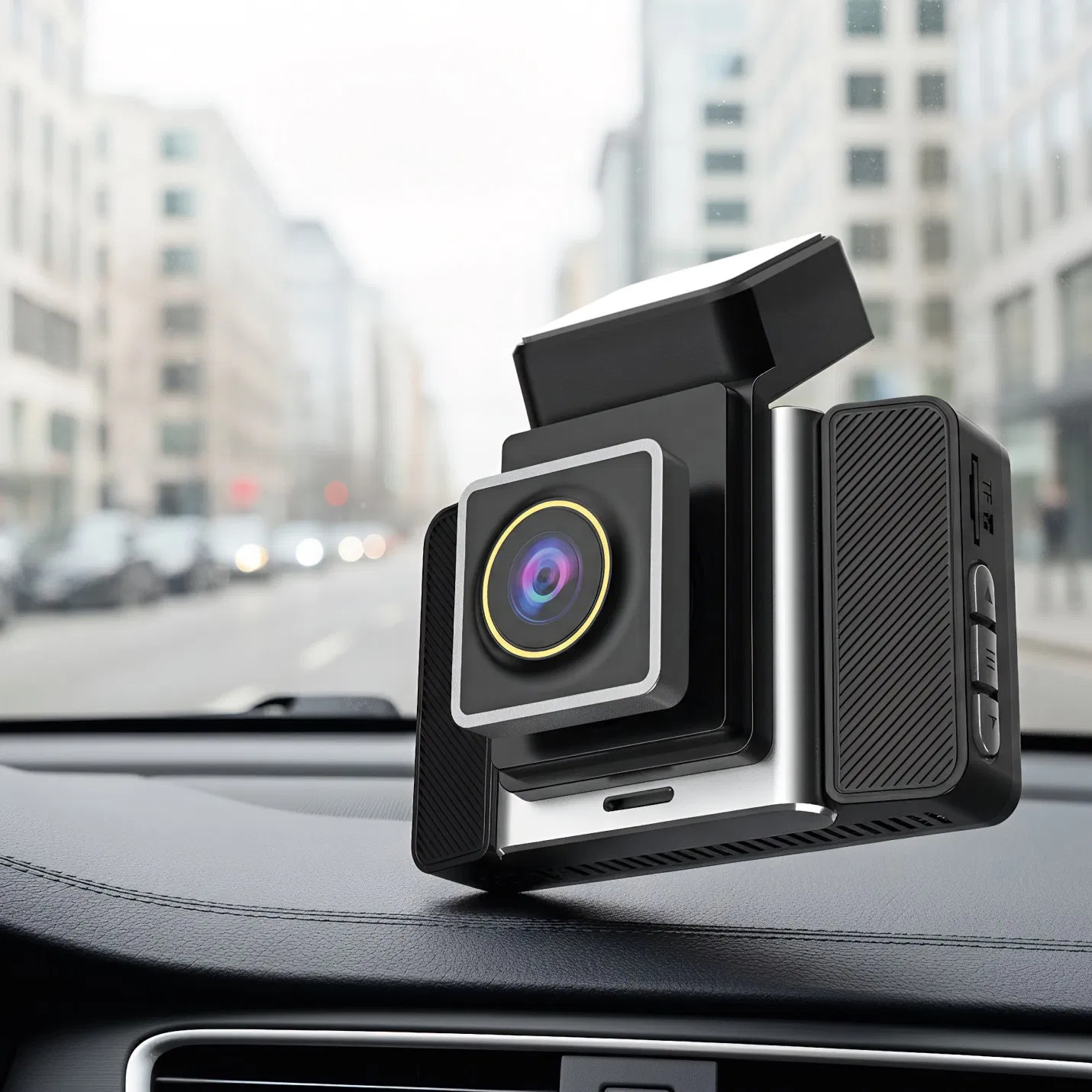
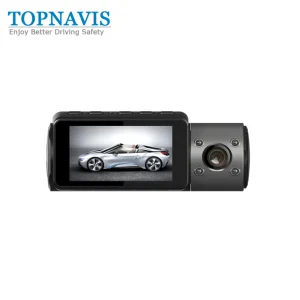
GD17 Vehicle Dash Cam: This advanced driving video recorder is equipped with a 2K high-definition camera and a 3-inch IPS crystal-clear screen. It supports dual-channel recording for comprehensive vehicle safety monitoring.
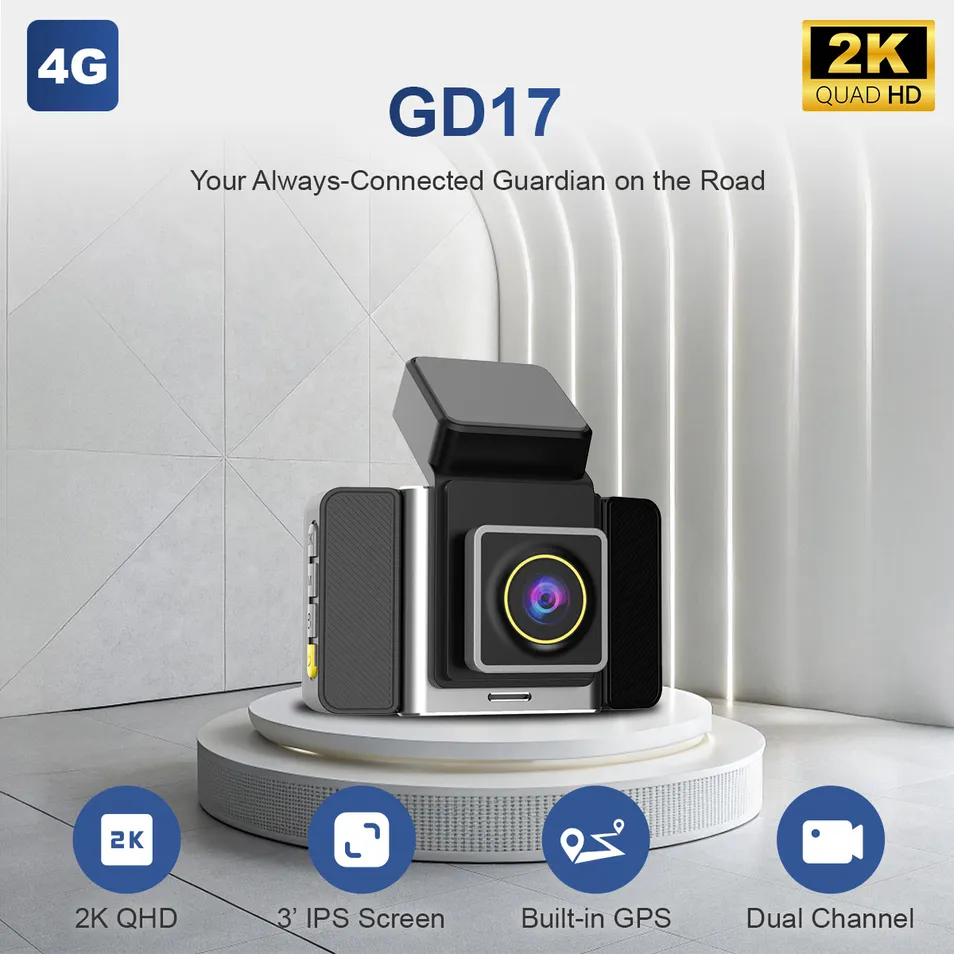

2K Front Rear Dash Camera
WiFi Car Dash Camera

Key Features:

  • Real-time 2K Video Recording and Local Playback
  • 4G Remote Monitoring via SIM Card Slot
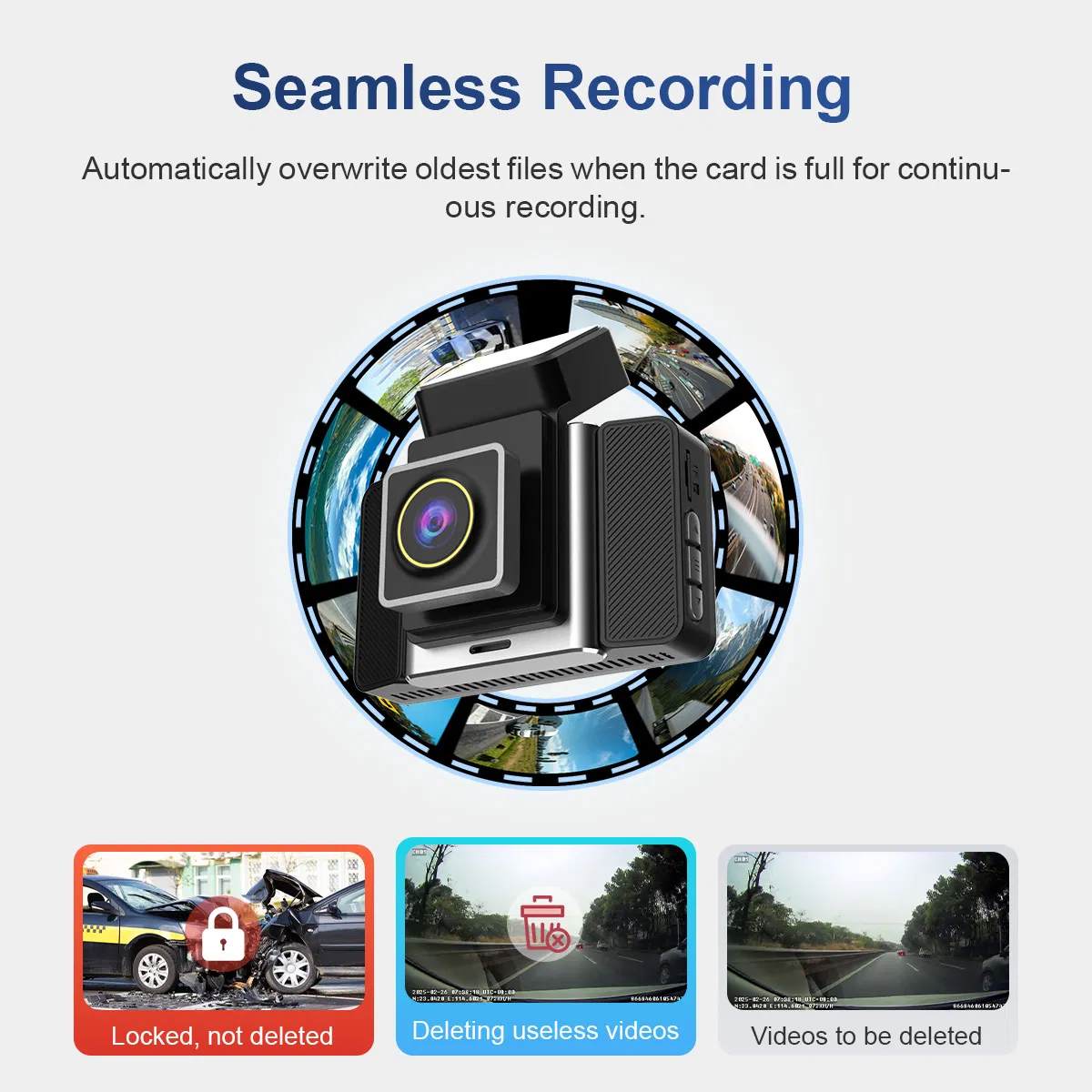
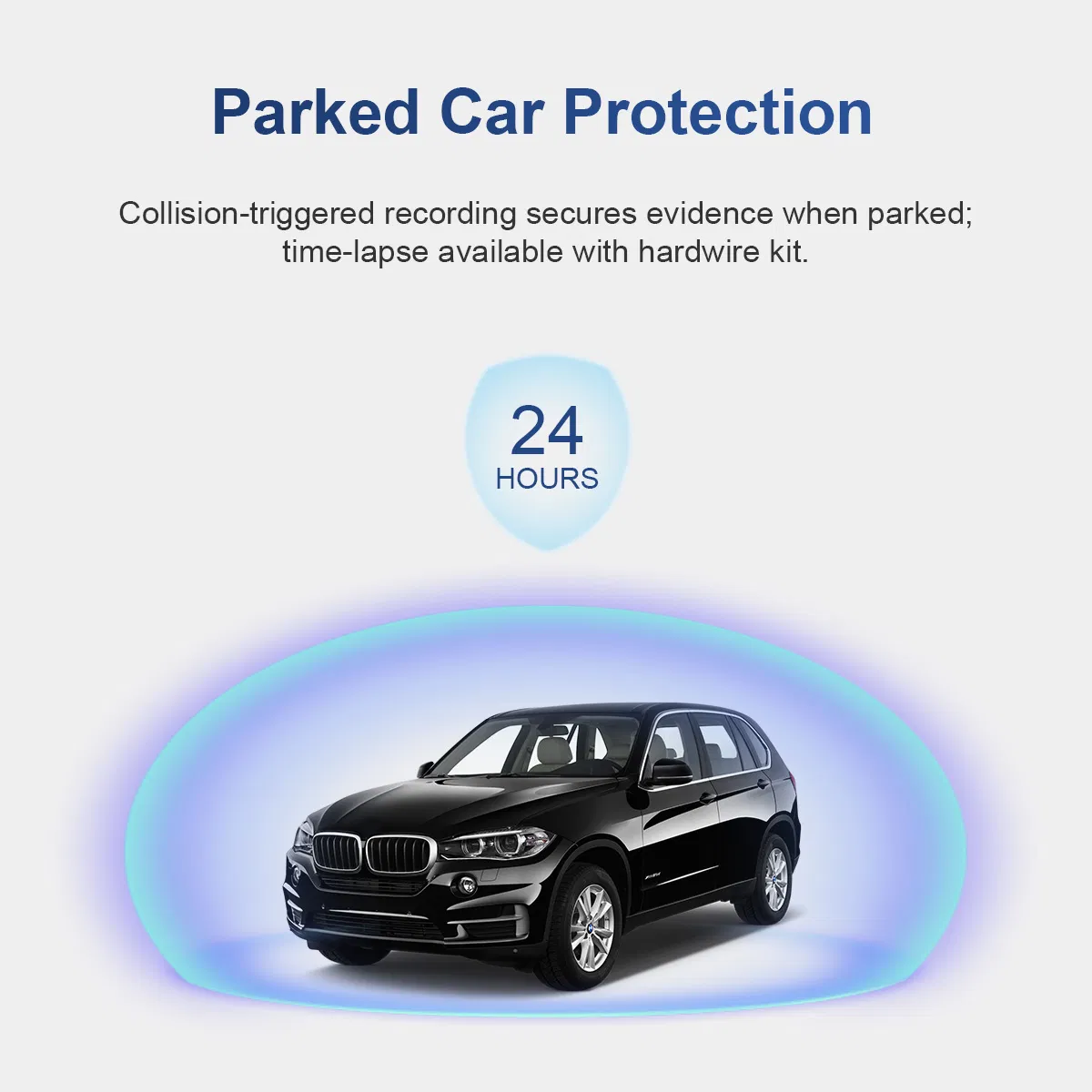
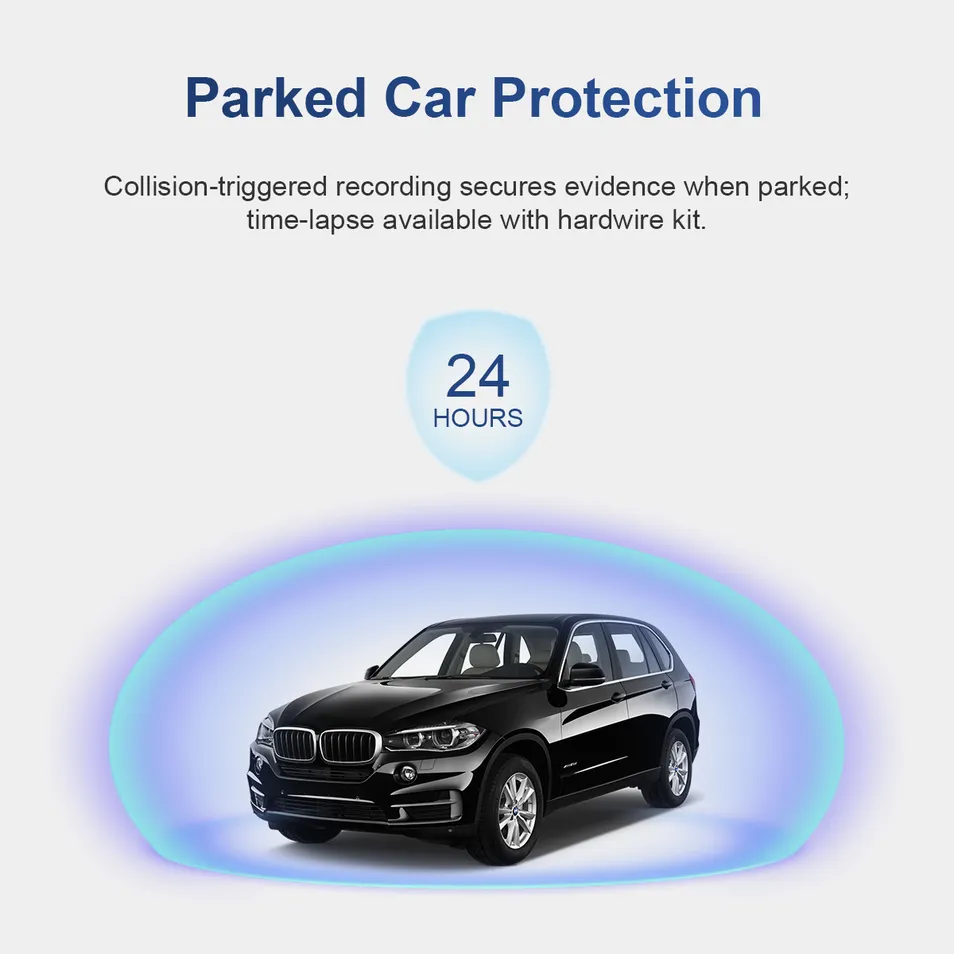
  • G-Sensor for Collision Lock & Parking Surveillance
  • Time Lapse Recording & Auto Loop Record
  • Dual Lens: Front 2K/25fps and Rear AHD 720P
Innovative Design Detail
IPS Screen Display

Platform & OEM Functions

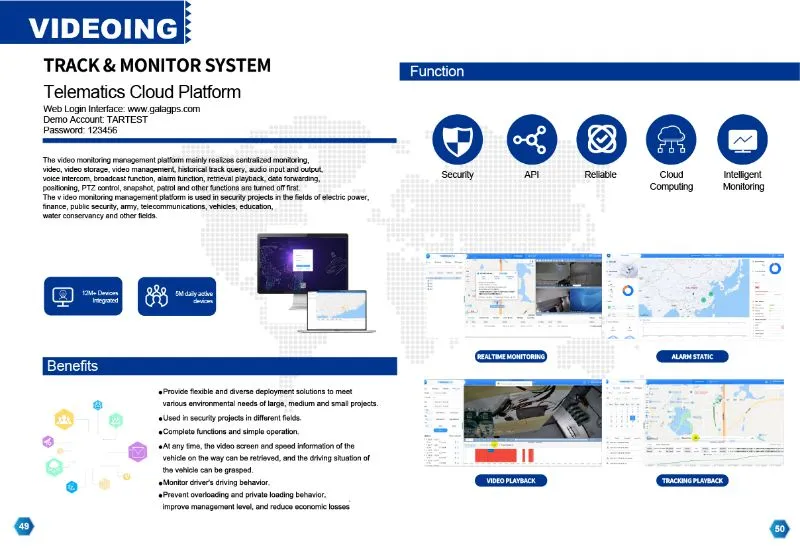
Platform Display
App Remote Monitoring
CustomizationOEM/ODM Product (Logo, Color, Features)
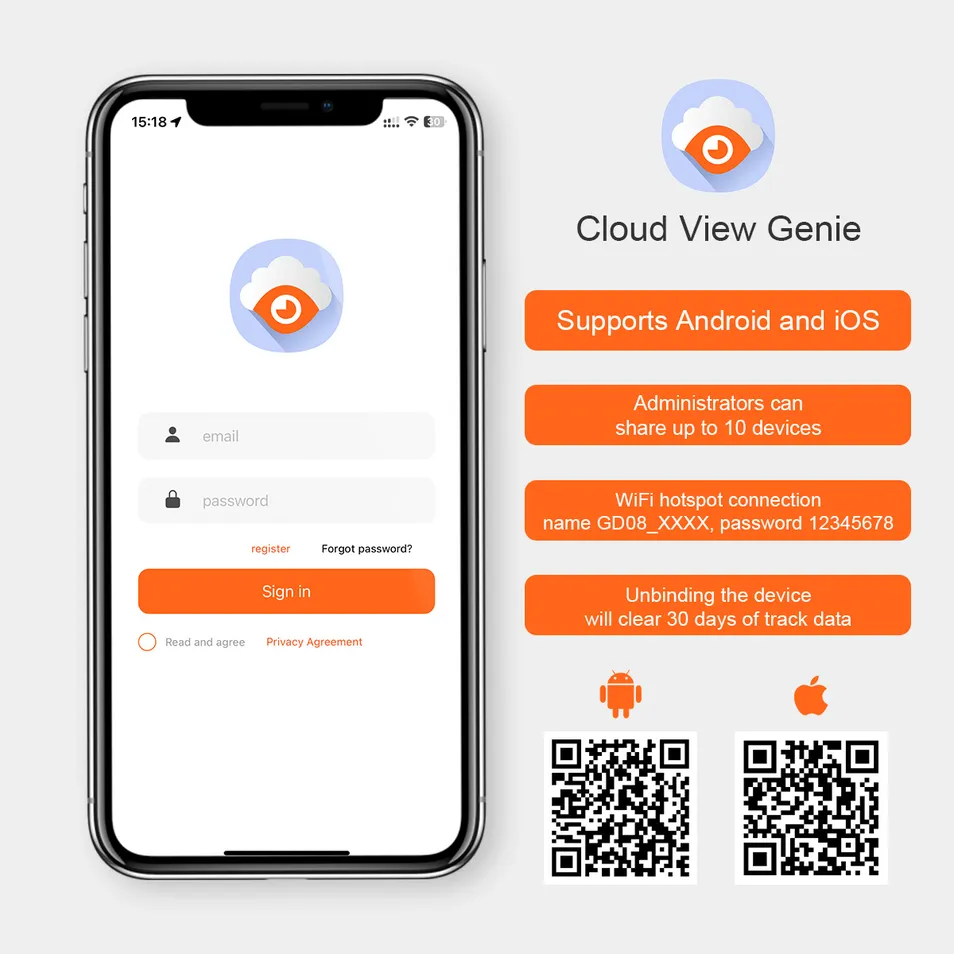
App SupportCloudSpirit App for Remote Tracking
IOT ServicesSIM IOT Card Integration & Traffic Management
Technical SupportOnline Professional Business Solution Customization

Packaging & Delivery

Package Size6.53cm * 8.74cm * 3.89cm
Gross Weight0.950kg
Lead Time1-1000 Pcs: 5 Days | 1001-10000 Pcs: 10 Days
Manufacturing Line Factory Testing

Certifications

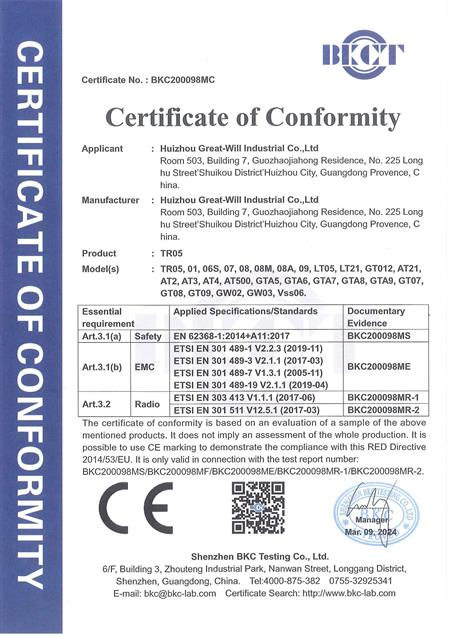
Certification 1 Certification 2 Certification 3

Frequently Asked Questions

Q1: Why can't I take photos or record video?
Please check if the TF card has enough space or if it is formatted correctly.
Q2: Why does the recording stop suddenly?
Ensure you are using a high-speed TF card (Class 10 or above) to handle 2K video data.
Q3: What should I do if I get a "File Error" during playback?
This usually indicates a card error. Please format the TF card using the device settings.
Q4: Why is the video footage blurry or not clear?
Check if the camera lens is clean. Dust or fingerprints can affect the 2K high-definition quality.
Q5: How do I fix the device if it becomes unresponsive (dead)?
Please reboot the dash cam using the power button or the reset pinhole to restore normal operation.
Q6: Why are there horizontal strips in my video?
This is likely due to the light frequency setting. Please adjust the frequency to 50Hz or 60Hz in the settings menu.

Related Products